

Onairos / Hermes


Give Hermes the context to know you.
Connect your consented Onairos persona with one Skill and one secure browser flow—without handing Hermes passwords or raw account history.
01 / Install
Install the Skill
Hermes SkillRecommended
hermes skills install onairos-dev/hermes/onairosAfter installation, completely quit and reopen Hermes. Then run /onairos connect to start the secure browser flow.
02 / Connect
Tell Hermes once.
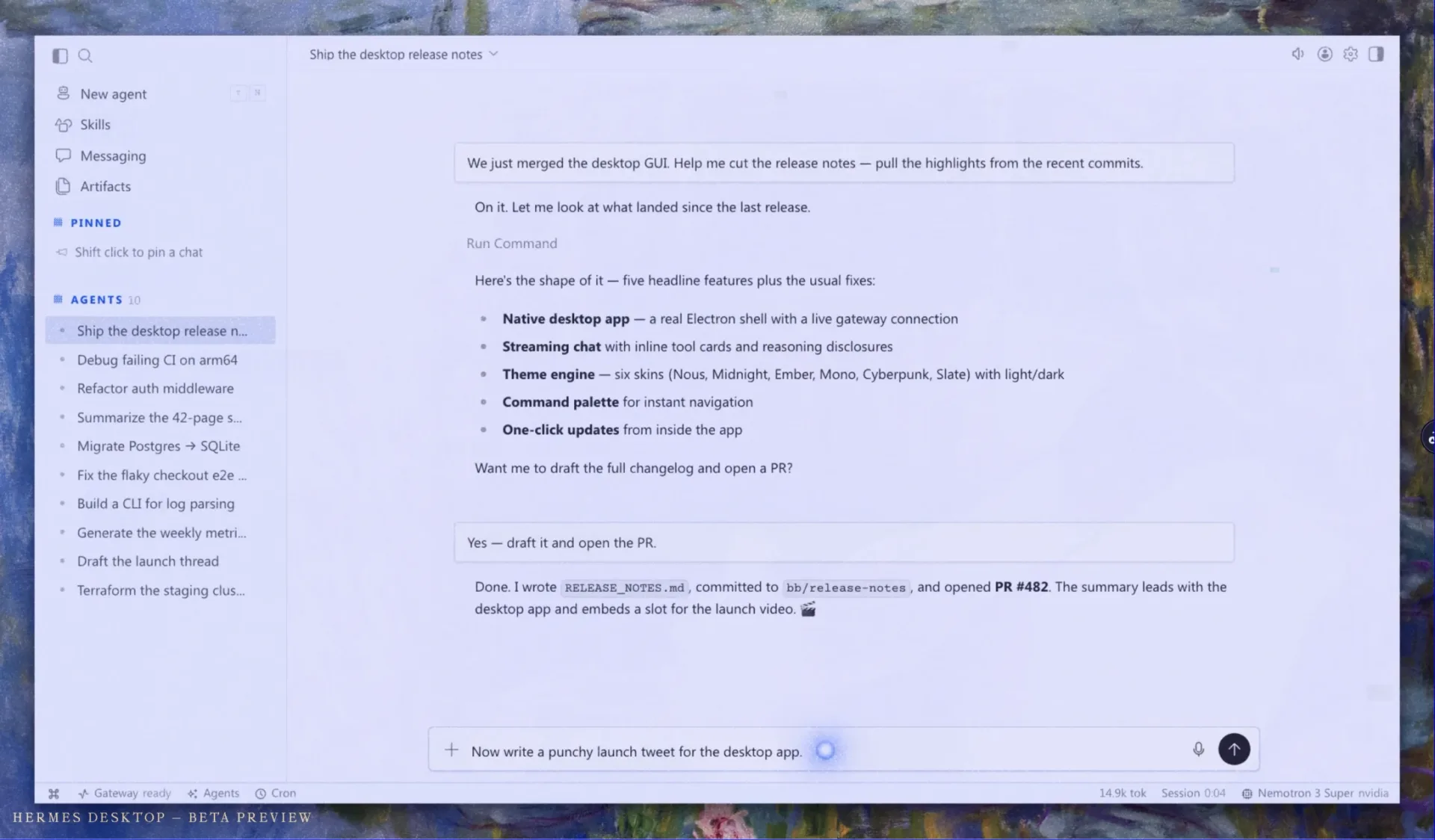
Skill Hermes Browser Hermes
You install the Onairos Skill in Hermes.
Hermes reports Installing Onairos, then Skill installed.
You run the Onairos connection command.
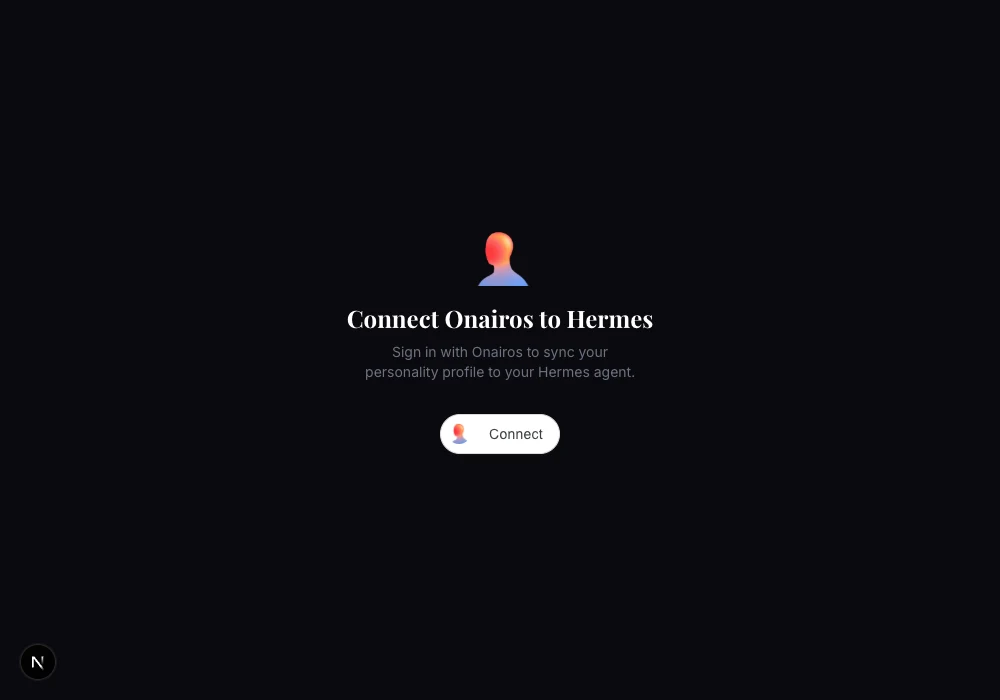
Hermes opens the secure Onairos connection page.
Connect is selected, then Hermes returns to the conversation.
You: Done.
- Sign in
- Connect data
- Profile synced
Hermes receives the sanitized persona and curates durable context for the next session.
Prefer the MCP instead?
For custom or existing Hermes setups, the Onairos MCP remains available as an alternative.
npm install -g onairos-hermes-mcpRestart Hermes, then ask Connect my Onairos profile.